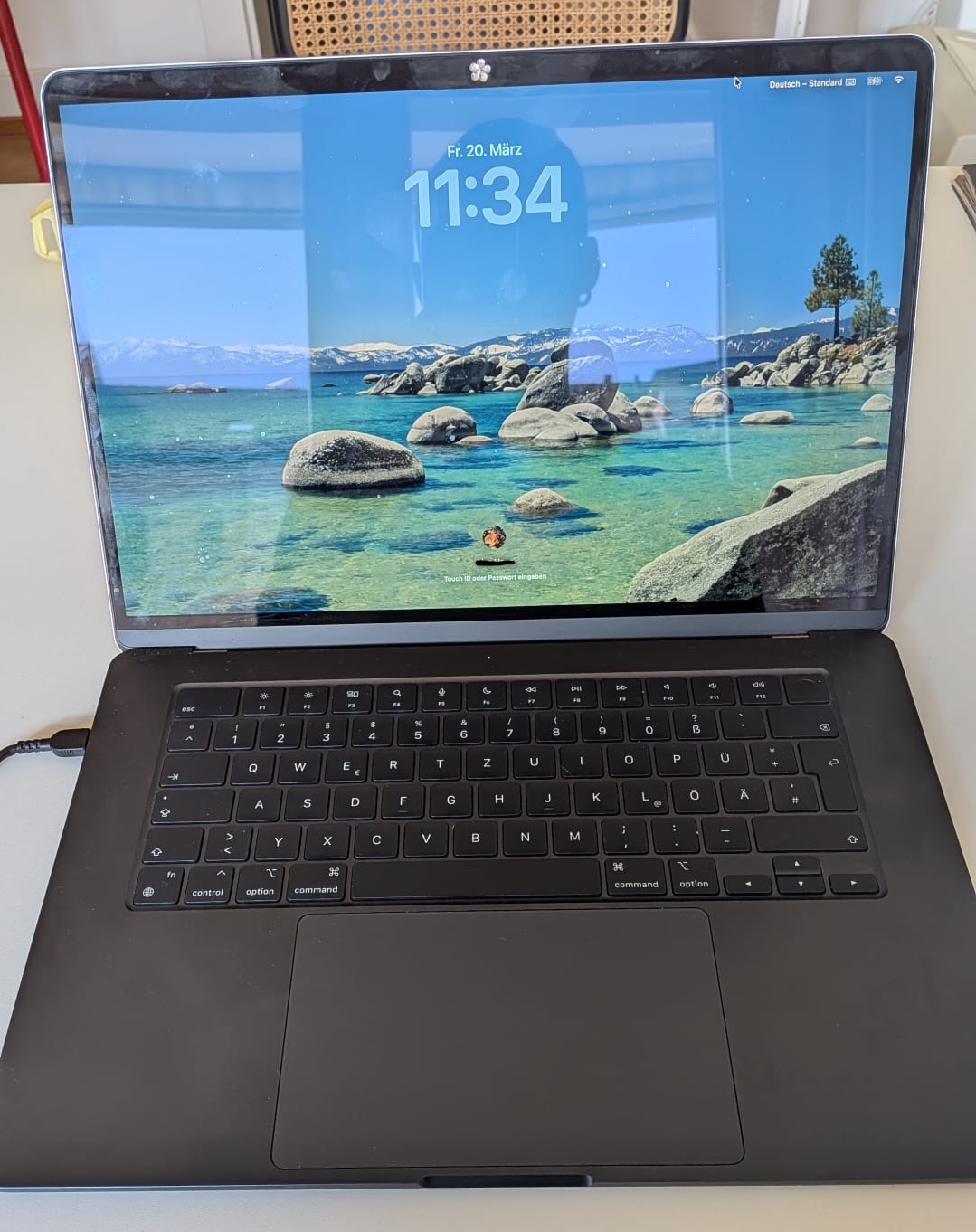
I thought I’d share my "zombie" 15-inch M2 MacBook Air:)
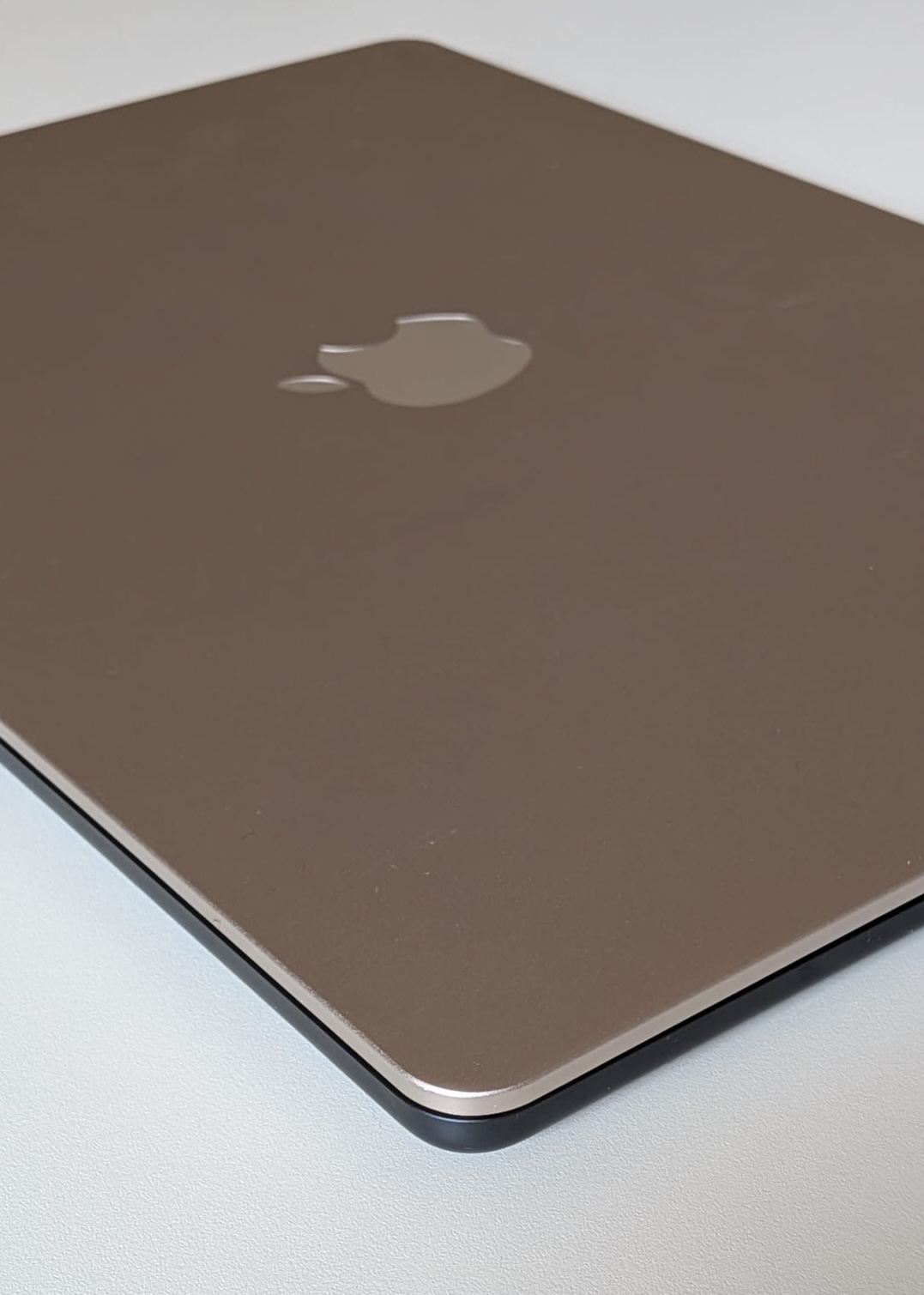
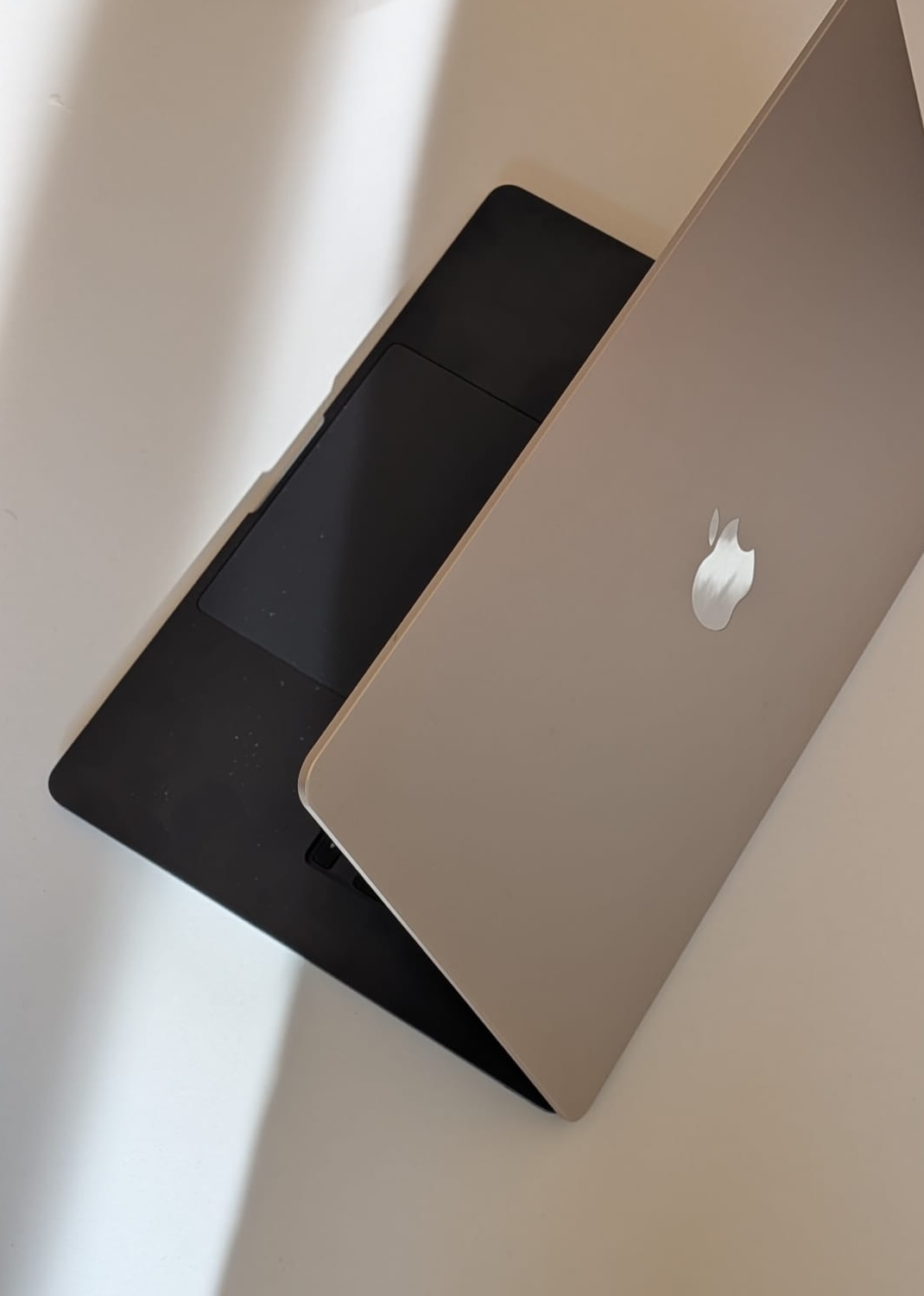
For roughly $95, I bought an M2 (sold as broken) off Ricardo (swiss ebay). It was sold with a broken screen and without any check as to whether there was an iCloud activation lock.
I hooked it up to an external screen and keyboard and it was working fine, so a display replacement was the only thing it needed. I looked up some posts on how the screen replacement on this exact model works and stumbled upon this one: iFixit Video Guide.
Then, I wanted to find a replacement screen. There were no open auctions for broken macbook with working screens, so I had to get a new one. After reading some posts (all suggesting I should rather go with a headless macbook instead of buying a third-party screen), I decided to once again risk it (since I had already made a bargain with a cheap headless mac that was working) and buy a third-party screen from eBay. I made sure it was the exact A2941 EMC 8301 model. The store has good reviews and even mentioned a money-back guarantee (which I was not sure would be applied if needed), and it cost me about $290. From that point on, I looked at it as an expensive experiment I was trying to get to work, but I did not have high hopes that it would actually turn out working. When ordering the screen, all colors were sold out except for the "Starlight" one, so I went with it.
It came a few days after ordering and I spared no time getting started on mounting the new LCD. I plugged everything in carefully where it belonged and changed the lid angle sensor from the old display to the new one, as described in the video. I turned the macbook around to open it up and—nothing. Not even the startup sound from before with the broken screen. I already thought that the LVDS cable sat a little loose on the motherboard, so I contacted the seller on eBay. They told me that a damaged LVDS cable is a common problem when handled too roughly, or sometimes even straight from the factory. In my case, since I touched everything with a lot of care, I did not really apply too much pressure; so, I’m not sure if I bricked it or if it was already damaged. I sent the eBay seller some images of the cable, and they were super decent and sent me a "replacement" replacement screen. ;)
I put in the new LCD, and in full excitement for the startup sound, again, nothing happened when I pressed the button. Then I plugged in the power cable, and suddenly, the Apple logo appeared on the newly installed screen.
It turned out that the lid angle sensor from the old LCD was somehow bricked too. That led to the Mac not booting when pressing the power button, but only when plugged directly into an outlet. Replacing the lid angle sensor is a big pain, since it is matched to the motherboard and said to be very hard to replace. So again, I had to risk it, but now for a much cheaper price, and ordered some different lid angle sensors for the A2941 model. There are usually two options of sensors to choose from: some "with program," saying that they are already calibrated and more or less "plug and play," and uncalibrated ones that you have to calibrate with a diagnostics tool. I struggled with both, couldn't get them to work, and noticed a slight difference in the part number of the ordered sensor versus the original sensor. So, I had to order another lid angle sensor again. But this one worked!
Now, I am writing this text on a "two-faced" 15" Macbook Air M2 that I spent around $400 for—which is not nothing, and also not much cheaper than an actual used one, but still, who can say they have a multicolored macbook?